
Docket
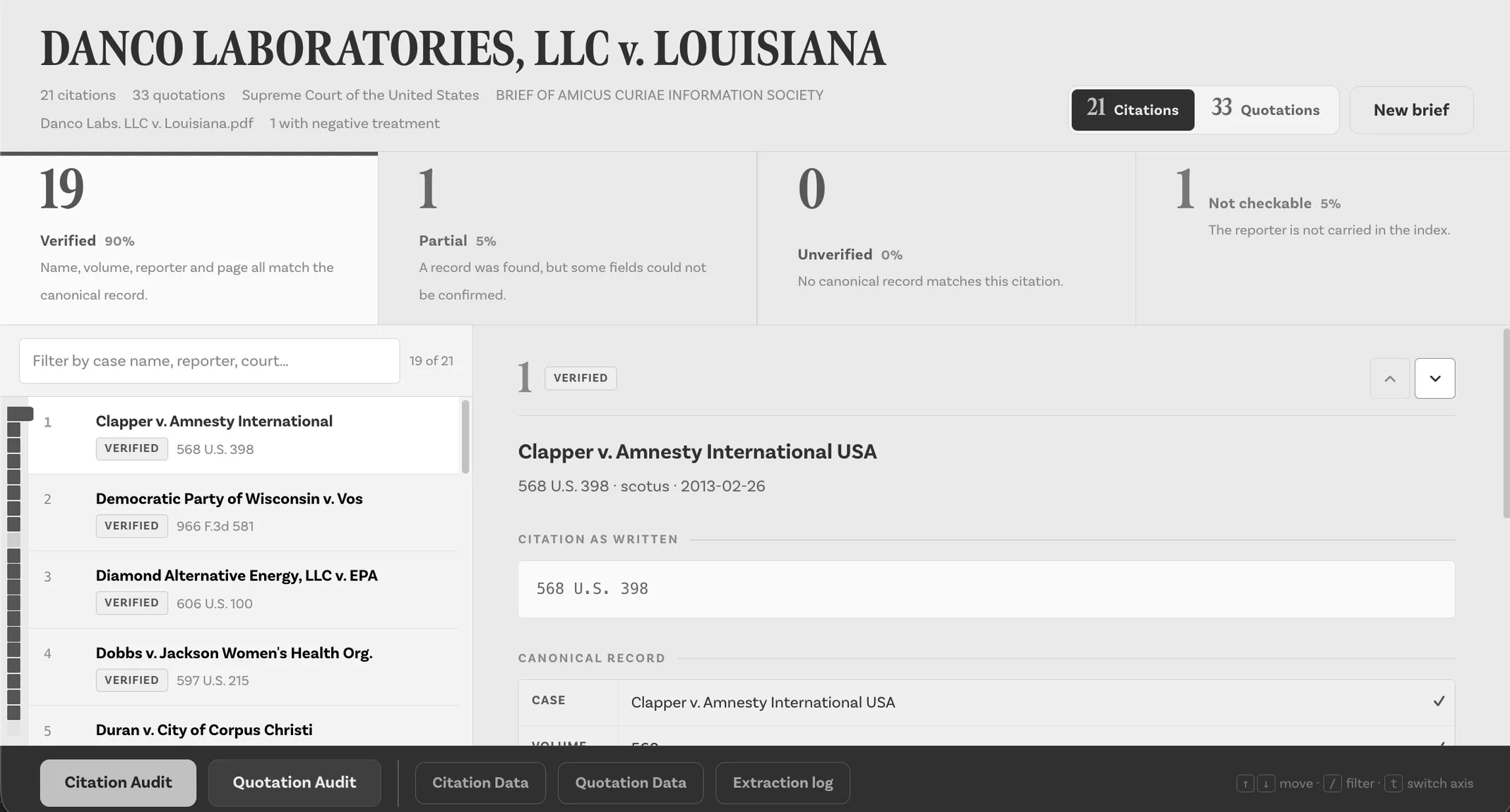
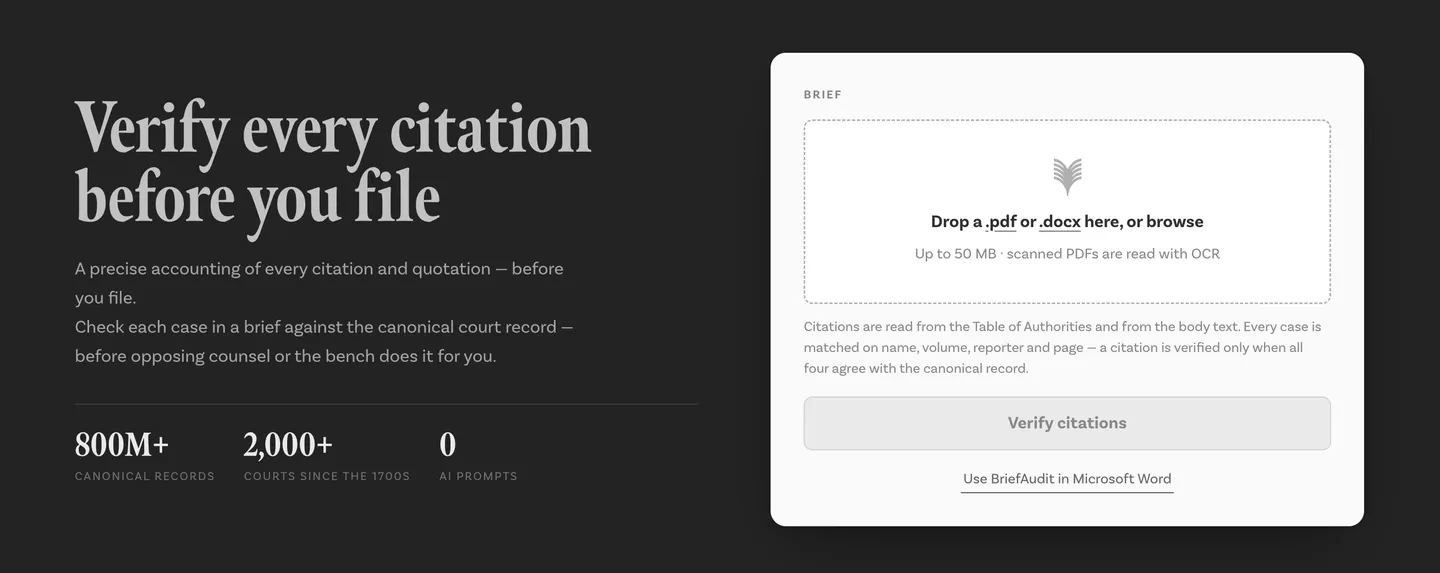
Docket is a PDF audit tool built exclusively for attorneys, law firms, and legal departments. Upload a legal brief and Docket checks its cited cases and quotations against recognized sources.
- 9M+Indexed court decisions
- 2,000+Courts going back to the 1700s
- 3Audits: citations, quotations and manuscripts
- 0AI in the verification pipeline
Upload a PDF and your audit is complete in under a minute.
- 01
Upload PDF
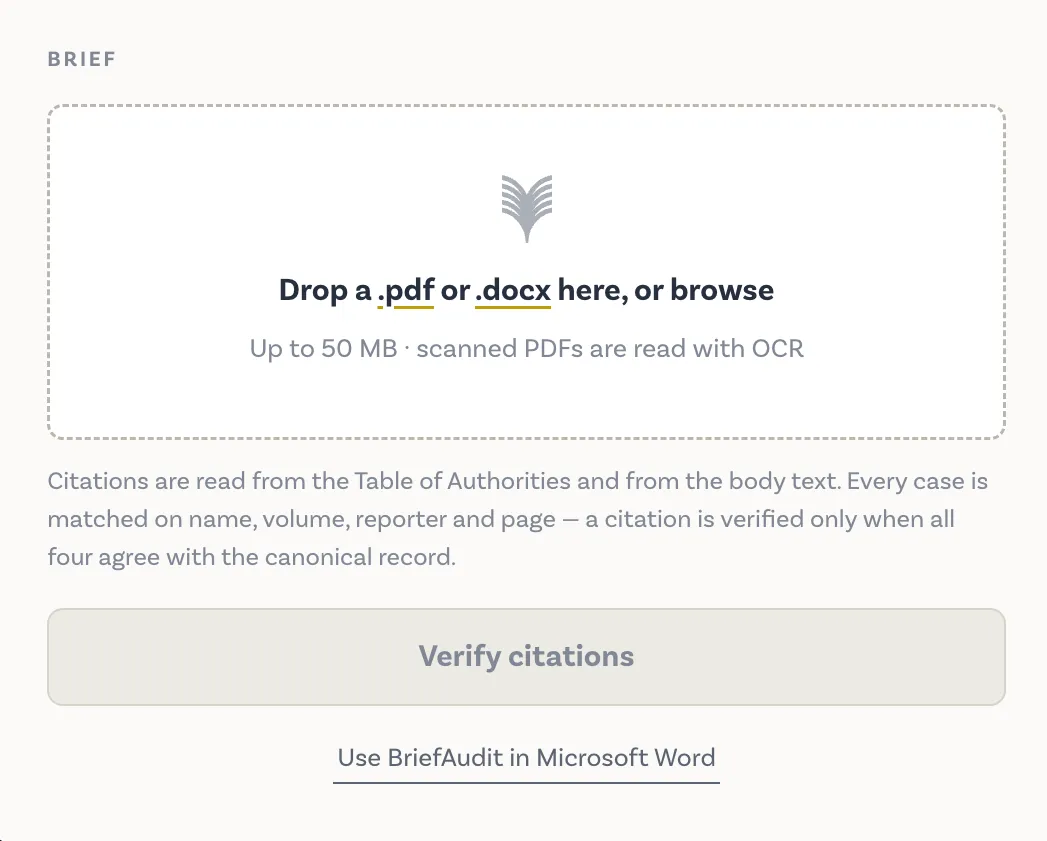
Drop your court-ready PDF brief. Scanned PDFs are processed with OCR automatically.
- 02
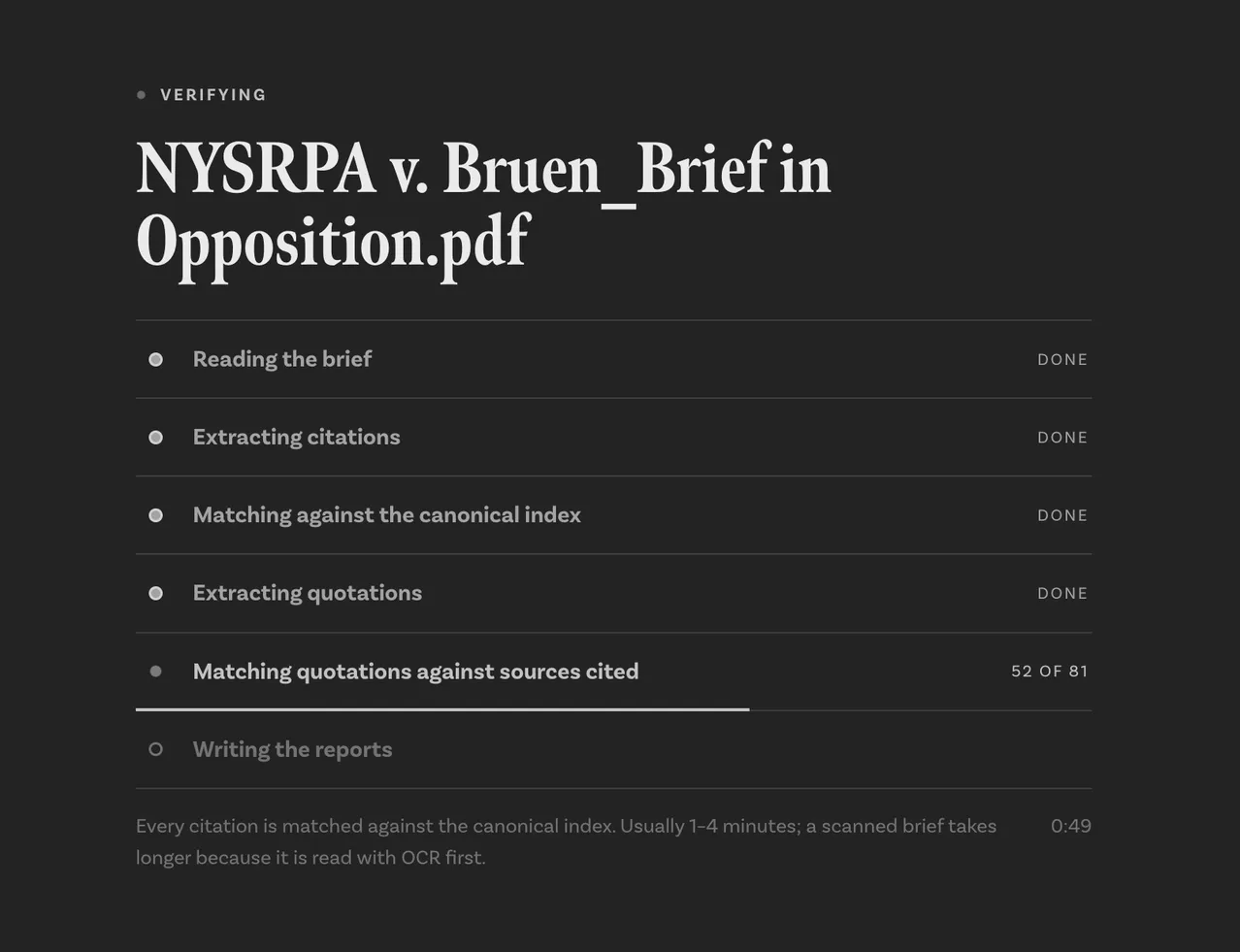
Citations extracted
Every case citation is parsed from body text, footnotes, and Table of Authorities.
- 03
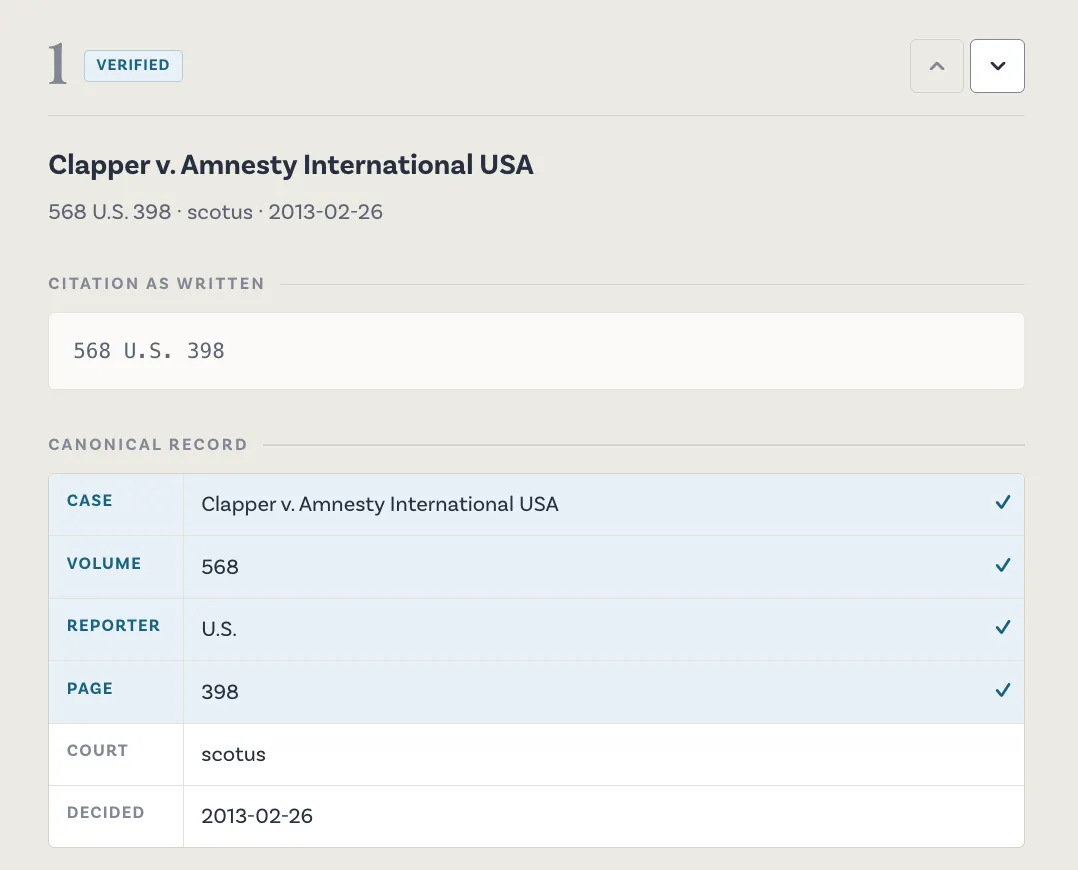
Record checked
Each citation is matched against 9M+ indexed court decisions from 2,000+ courts.
- 04
Download reports
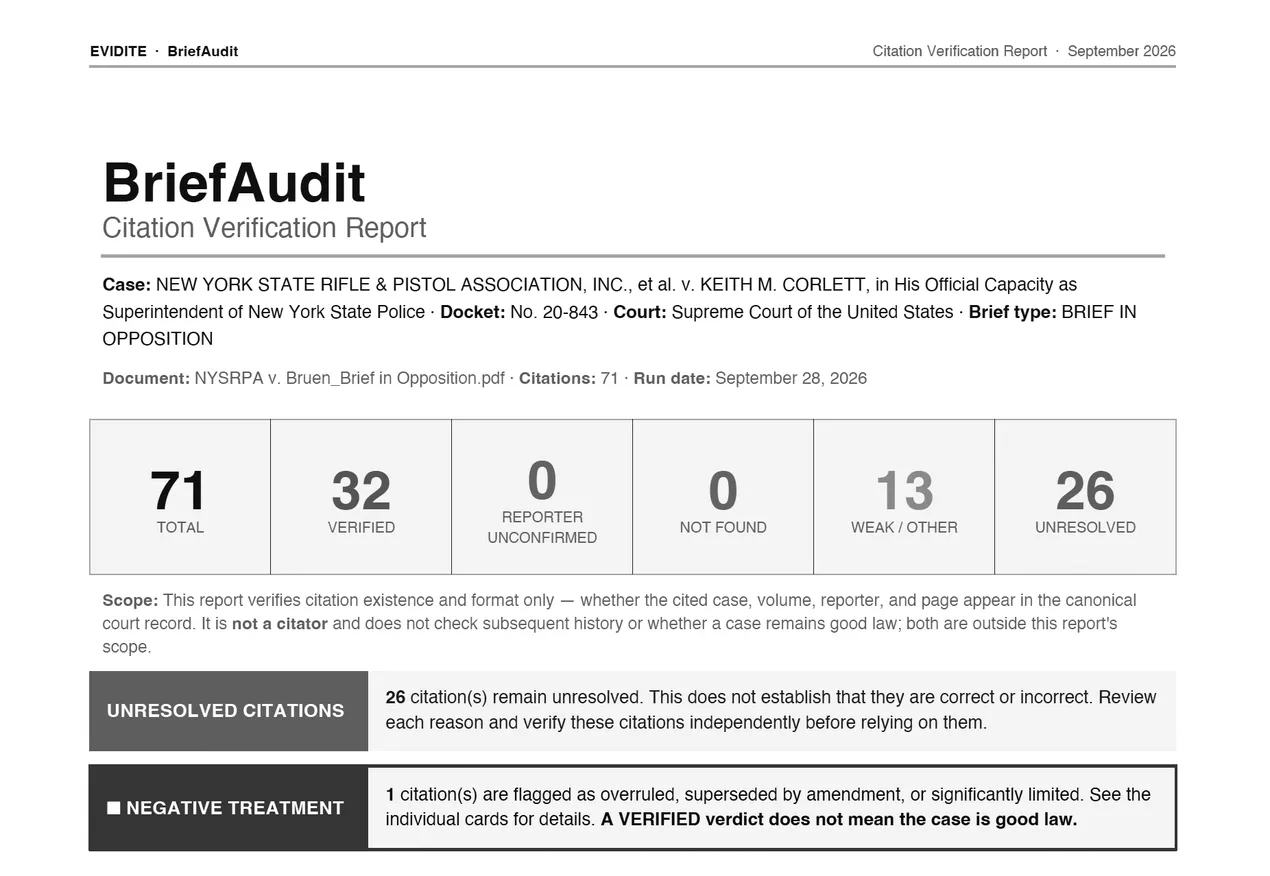
Two structured PDF reports are returned: a Citation Audit and a Quotation Audit — one card per item with verdict, diff, and source metadata.
Built for every attorney who files or reviews a brief.
Law firms
Run a citation audit on every brief before filing. Catch fabricated cases, transposition errors, and overruled precedent before opposing counsel or the court does.
Legal departments
Review outside counsel submissions with the same rigor you apply to your own. Docket gives in-house teams an independent verification layer.
Court clerks & judges
Flag citation errors in filings before they enter the record. Docket surfaces discrepancies in seconds — without touching the substance of the argument.
Docket’s verification engine uses no artificial intelligence or machine learning. Every result is produced through deterministic comparison of authoritative legal records and independently reproducible rules.
Six outcomes. Nothing left unexamined.
Every case citation in your brief receives one of six structured verdicts, each with full field-level diff and canonical metadata.
Verified
Citation matches the published record on every field — case name, volume, reporter, page, and court.
Partial match
Case exists but one or more fields differ. Exact discrepancies are flagged field by field.
Not found
No matching record can be located across the indexed corpus. Possible fabrication or severe transcription error.
Negative treatment
Case has been overruled, reversed, or distinguished. Filing counsel is warned before submission.
Unverifiable
Citation is structurally valid but cannot be confirmed against available records. Requires manual review.
TOA Parity
Table of Authorities is cross-referenced against in-text citations. Discrepancies between the two are surfaced automatically.
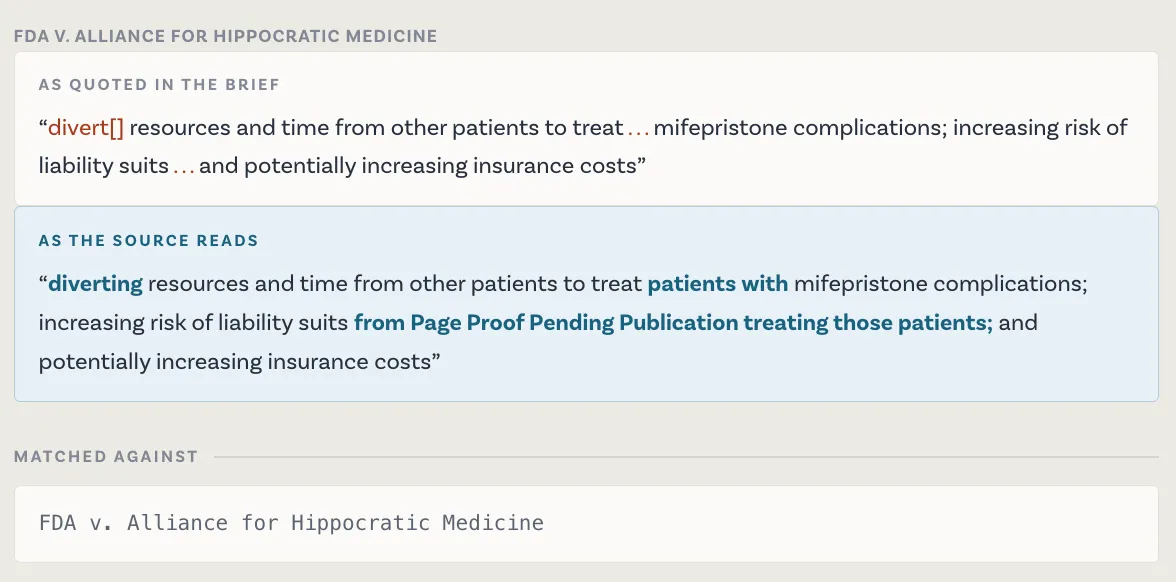
Every quoted passage checked verbatim
Docket now verifies not just that a case exists — but that the words you put in quotation marks actually appear in the opinion. Editorial brackets, ellipsis omissions, and source mismatches are all flagged automatically.
Courts are done warning
Sanctions for citation errors are escalating rapidly.
Lawyer submits brief with 6 fabricated cases generated by ChatGPT. Judge calls the analysis “gibberish.”
Mata v. Avianca, Inc.
View sourceLawyers at the 42nd-largest U.S. firm cite 8 nonexistent cases invented by an in-house AI tool. Court imposes $5,000 in sanctions.
Morgan & Morgan (D. Wyo.)
View sourceAppeals court fines attorneys $30K for AI-generated citation errors in a filed brief.
U.S. Appeals Court
View source